What’s New in v5
Discover the new Live Home 3D, packed with powerful features that make designing, visualizing, and customizing your houses and interiors easier than ever. From generative AI rendering and Cycles support to Sketchfab integration and smarter editing tools, there’s plenty to explore.

The update is free for all existing Live Home 3D users. Users of the Mac App Store, Windows, iPad/iPhone/Apple Vision and Android versions should get the update in the respective Stores.
Website version users can use the Check for Updates… option in the app.
Cloud-Based AI Rendering
Turn Live Home 3D layouts into photorealistic renders with 260+ interior and home design style presets. Simply create a basic room and minimal furniture layout, then use Render with AI to generate breathtaking renderings.

3D Rendering with Cycles
Create extremely realistic 3D renders right on your iPhone/iPad and Android with advanced offline ray-tracing rendering powered by Cycles.
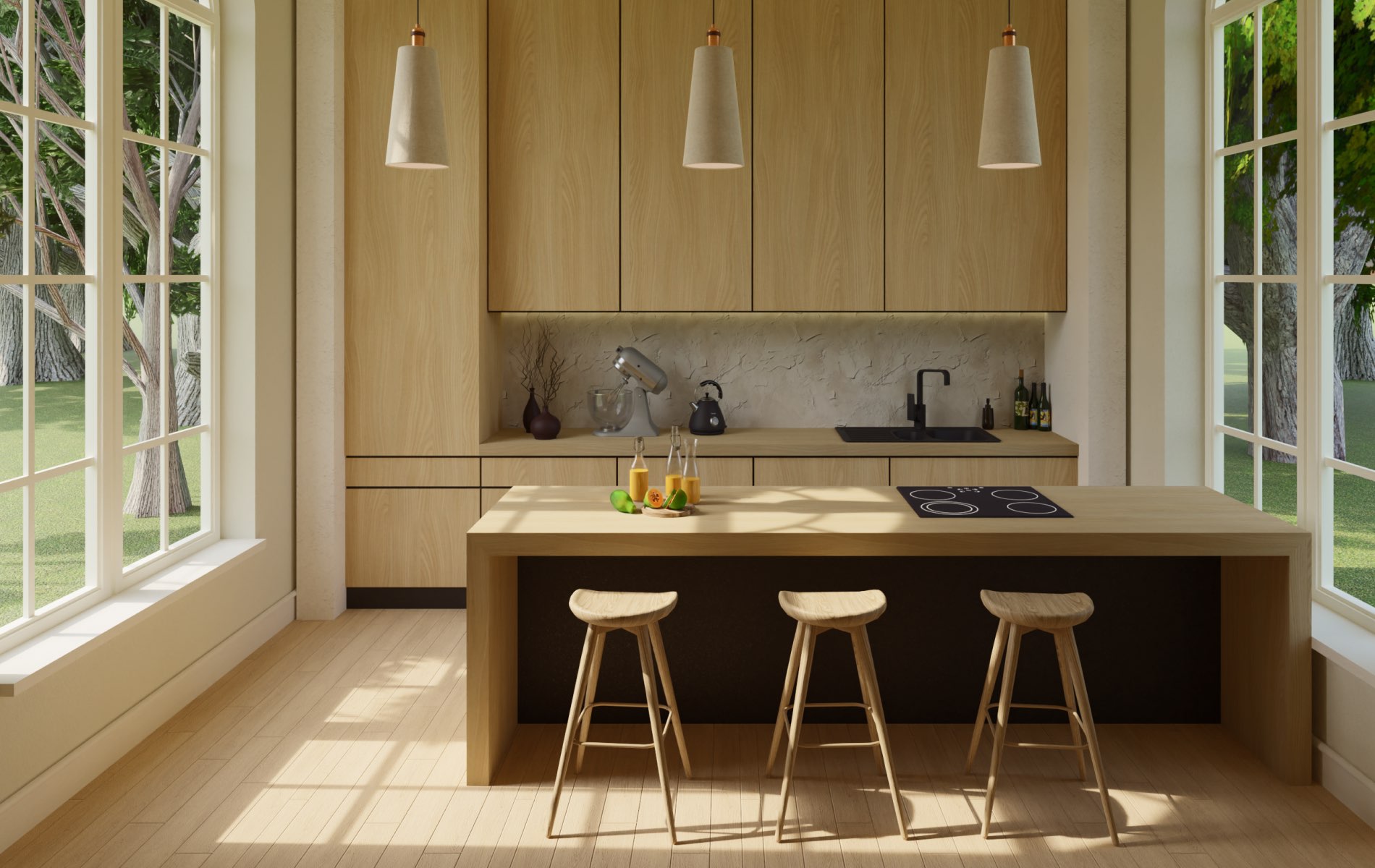
-

Panorama Backgrounds
Import your own 360° panoramic images as project backgrounds for immersive, realistic outdoor views.
-

Sketchfab Integration
Expand your home design possibilities with Sketchfab’s vast collection of furniture, décor, and other 3D objects.
-
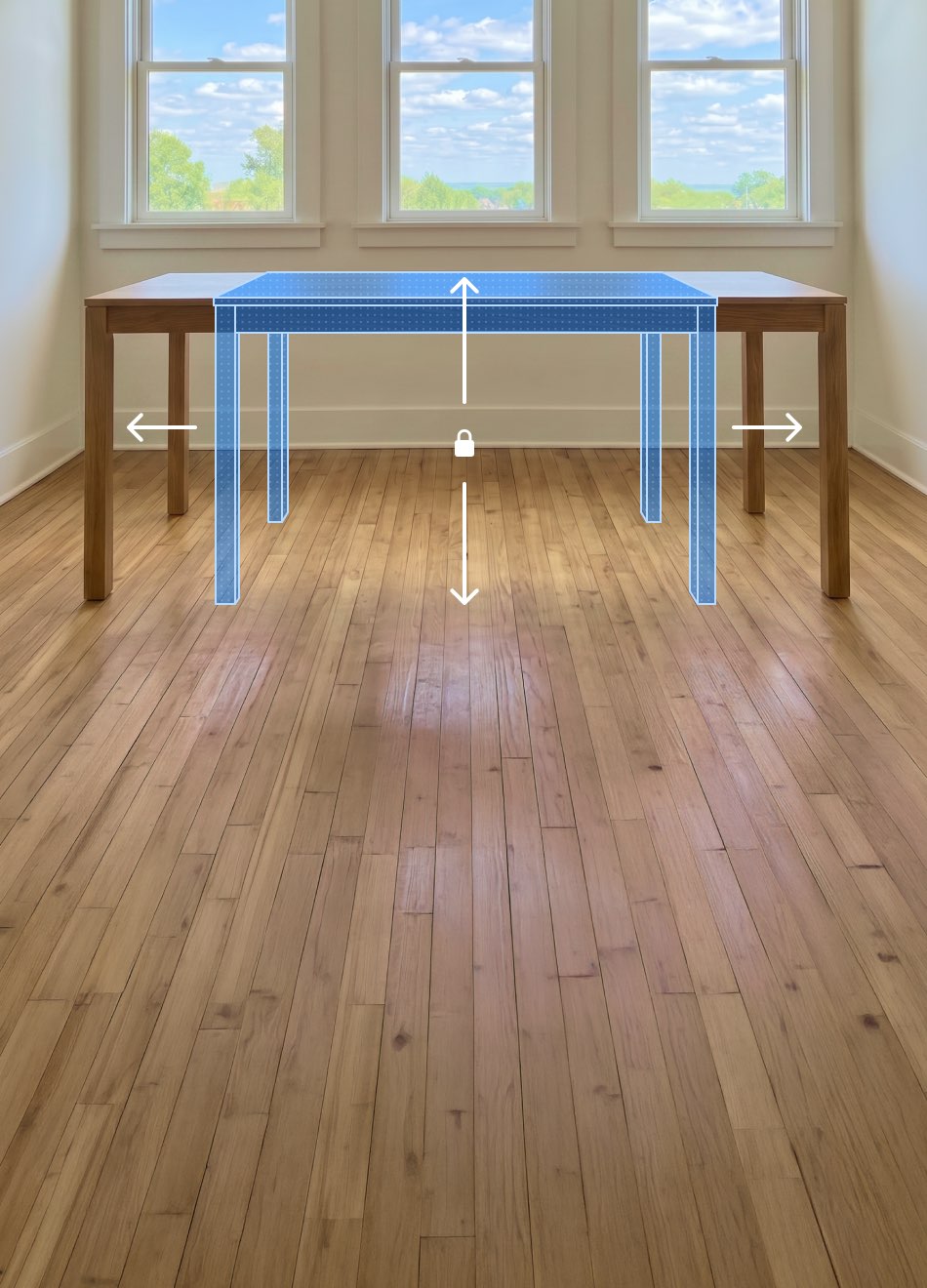
Group Resize
Resize multiple 3D objects with ease using intelligent group scaling. Objects in a group can be configured to stretch, remain fixed, or scale proportionally.
-

User Accounts
Create a Live Home 3D user account to share in-app purchases among platforms (macOS, iOS/iPadOS, Windows, and Android) without the need to re-purchase again.


What’s More
-

Added import for the glTF 3D model format.
-

Adjust the origin of imported 3D objects.
-

Isolate and inspect individual texture maps in the Material Editor.
-

Introduced Polish localization.
-

Flip and mirror individual objects or entire projects.
-

Full compatibility with macOS 27 and iOS/iPadOS 27.
Frequently Asked Questions
Is Live Home 3D version 5 a free upgrade?
Yes. Live Home 3D version 5 is a free upgrade for all users of version 4. If you own a Standard Features or Pro Features lifetime license, the same license will be available in version 5. If you have an active subscription, it will continue to work with the latest version.
Where can I download the update to Live Home 3D version 5 from?
Users of the Mac App Store, Windows, iPad/iPhone/Apple Vision and Android versions should get the update in the respective Stores.
The website version users can use the Check for Updates… option in the app.
What are the minimum system requirements for Live Home 3D version 5?
- macOS 13 or higher
- iOS/iPadOS 17 or higher
- visionOS 26 or higher
- Windows 10 or higher
- Android 12 or higher
Where can I find the full feature list for Live Home 3D?
Explore the complete feature lists for each platform:
Do I need to purchase Live Home 3D separately for each platform?
No. Your Live Home 3D purchase works across all supported platforms. Simply create a Live Home 3D account on the platform where you made your purchase. Then sign in with the same account in Live Home 3D on any other supported platform. Your licenses will be recognized automatically and made available there.
Your account also tracks your AI Render Credit balance, so credits purchased on one platform can be used on other supported platforms.
How do I use AI rendering in Live Home 3D?
Start by creating your home design or interior layout. Once you’re happy with the scene, position the camera to capture the view you want to enhance, then choose Share > Render with AI. Select a style preset or work from scratch to turn your design into a photorealistic rendering.