What Is The Best Home Design App for iPhone and iPad?
Live Home 3D is the best all-around home design app for iOS and iPadOS. It is a purpose-built native app—not a web tool ported to mobile—so it uses the iPhone and iPad’s own sensors and chips: the LiDAR scanner to capture rooms, ARKit for augmented-reality walkthroughs, the Apple Pencil for precise drawing, Metal for fast on-device rendering, and Continuity to move a project between iPhone, iPad, and Mac. If you want one app that handles interiors, exteriors, and terrain with professional results, start here.
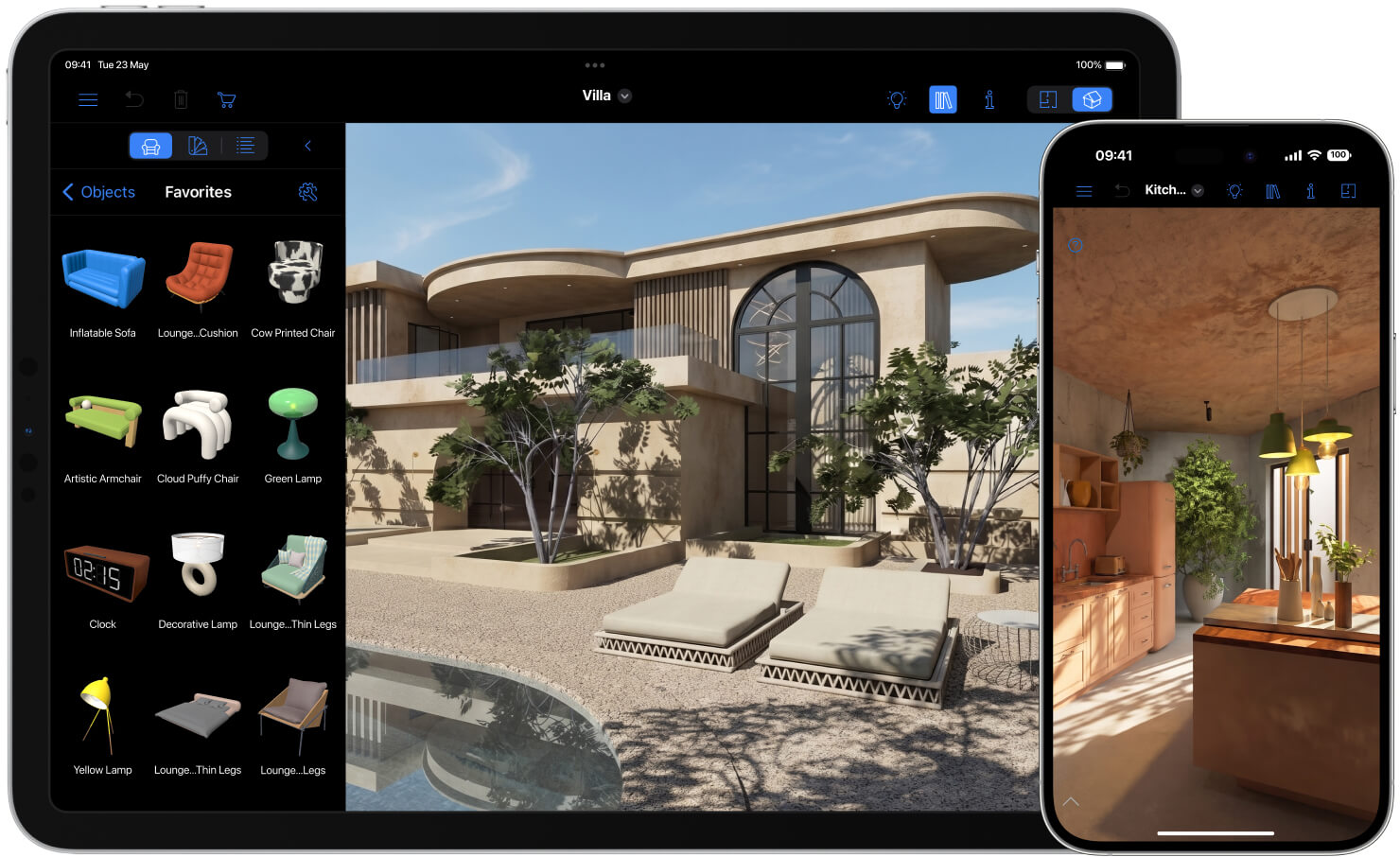
Design your first room for free in Live Home 3D for iPad and iPhone!
| App | Best for | Standout iOS/iPadOS features | Pricing model |
|---|---|---|---|
| Live Home 3D | Best overall for iPhone & iPad | LiDAR Room Scanner, AR walkthroughs, Apple Pencil, Vision Pro, Continuity, terrain editing, custom roofs, search and import objects from Trimble 3D Warehouse™ | Free version; one-time Pro and Standard in-app purchases (or subscription) |
| Homestyler | Cloud-based photorealistic renders | Cloud rendering, big branded-furniture library, mobile AR preview, social community | Free tier; optional subscription for higher-res renders |
| Magicplan | Floor-plan scanning & contractors | Camera/LiDAR room scanning, 2D plans, material and cost estimates, Xactimate integration | Free basic use; paid plans plus per-project fees |
| SketchUp for iPad | Advanced custom 3D modeling | Apple Pencil push/pull modeling, 3D Warehouse, AR viewer, Trimble Connect sync | Subscription (SketchUp Go / Pro) |
| Planner 5D | Absolute beginners & casual users | Drag-and-drop editor, large catalog, AI design tools, AR preview, cross-platform | Free tier; Premium subscription |
Pricing changes often—confirm the current cost on each app’s official store page before you buy.
What it is: Live Home 3D is a full-featured home and interior design app for iOS and iPadOS from BeLight Software, based on an engine developed for 15+ years. It covers floor plans, 3D interiors, exteriors, and terrain in a single touch-native workflow.
Why it wins the #1 spot: It fully exploits Apple hardware instead of treating the iPhone and iPad as a small screen for a web app.
- LiDAR room scanning. The built-in Room Scanner uses the LiDAR sensor to import a copy of an existing room straight into your project, so you can start from your real space instead of a blank canvas. (“Live Home 3D added support for Apple’s RoomPlan technology”—Forbes, 2022.)
- Augmented-reality walkthroughs. You can project your 3D house into the real world and walk around inside or outside it.
- Apple Pencil precision. Draw and edit floor plans with high precision using the Apple Pencil—closer to sketching on paper than tapping with a finger.
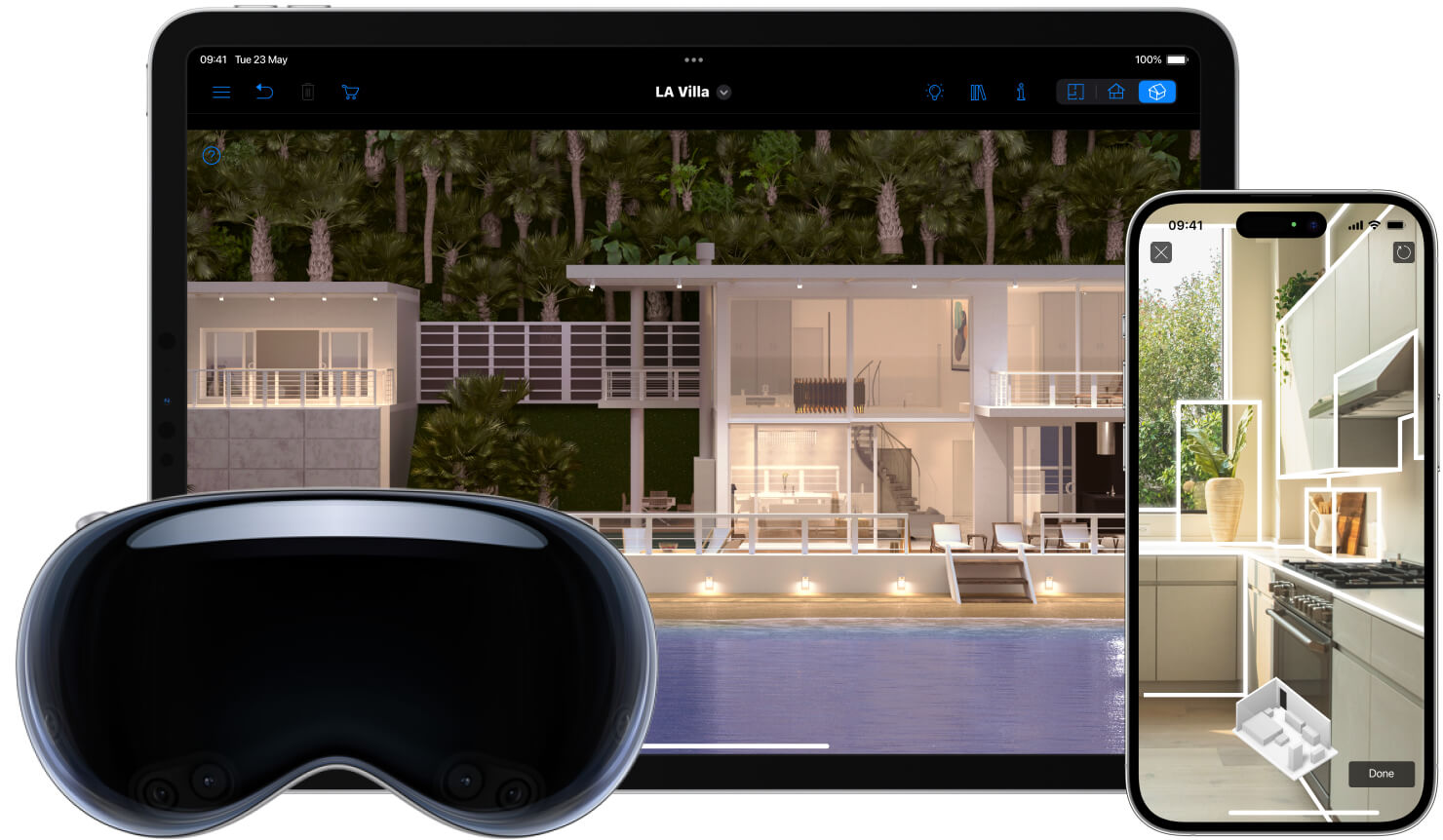
- Vision Pro and visionOS. A dedicated visionOS app brings an immersive, spatial way to explore your designs on Apple Vision Pro.
- On-device rendering. Powered by Metal and a 64-bit architecture, Live Home 3D renders high-resolution snapshots (up to 16,384 × 16,384 px), Ultra HD video walkthroughs, and 360° panoramas directly on the device—no cloud round-trip and no constant internet connection required.
- Continuity. Move seamlessly between Mac, iPhone, and iPad on the same project.
Beyond interiors: Live Home 3D also handles full exteriors and landscapes with Elevation Point, Line, and Spline terrain tools, plus pathways, cutouts, and pools, and a custom roof tool for roofs of any complexity (available with Pro Features).
Watch-outs: LiDAR scanning needs a device with a LiDAR sensor (iPhone Pro models and iPad Pro). The app requires iOS/iPadOS 15 or later. Advanced tools like the custom roof, Building Block, and Material Editor are part of the Pro upgrade.

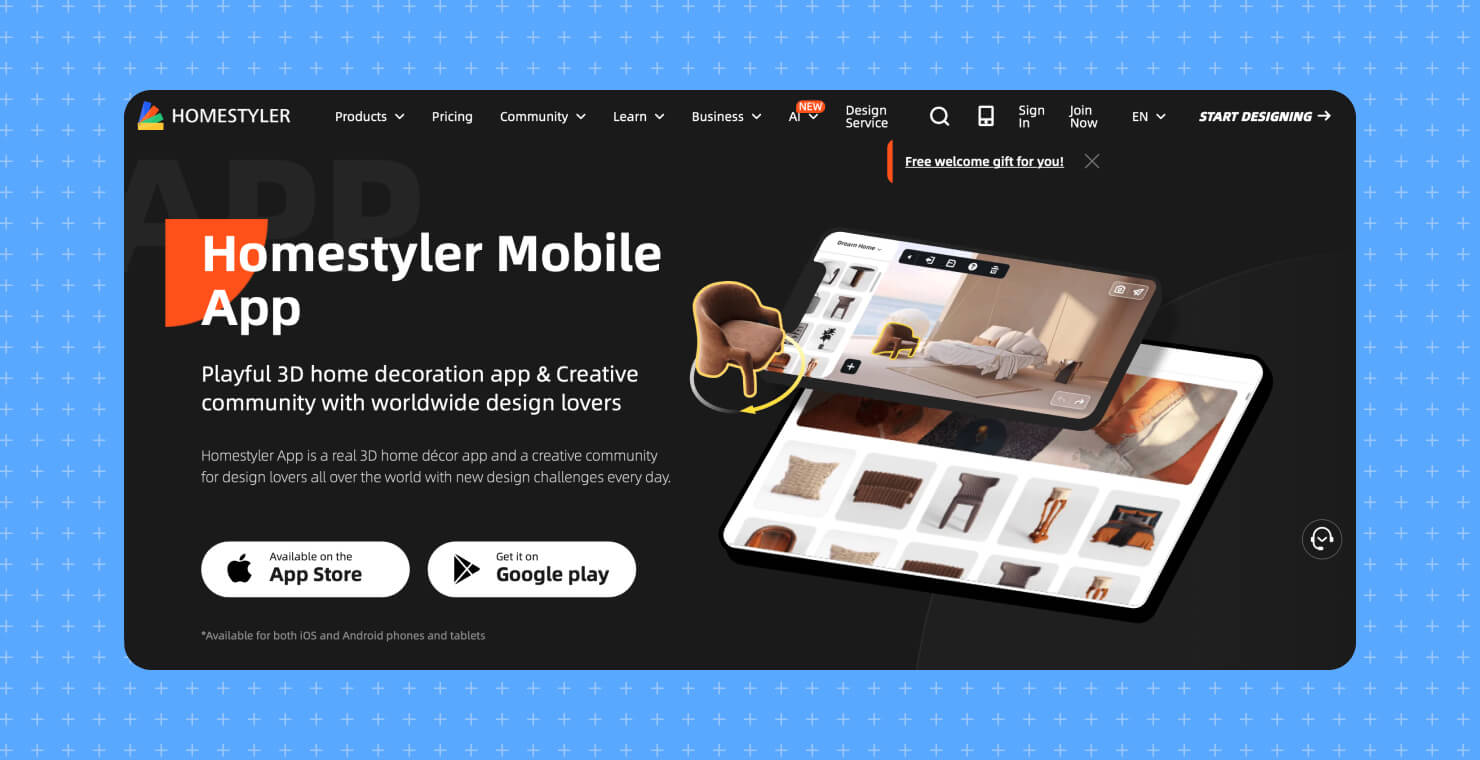
What it is: Homestyler is a popular mobile and web interior-design tool known for photorealistic output and an active design community.
How it wins: Its rendering runs in the cloud, so an iPhone or iPad can produce highly realistic, well-lit interior images — up to 4K on paid tiers — without leaning on the device’s own GPU or battery. It also has a very large branded-furniture library and social features like design challenges and a designer-client hub.
Where Live Home 3D pulls ahead: Because Homestyler’s rendering is cloud-based, you need a solid internet connection to get results, and reviewers note it lacks a desktop app for offline work. Its strengths are firmly on the interior side; exterior and landscape design are limited. Live Home 3D renders beautifully on the device and offline, and handles full exterior environments and terrain that Homestyler doesn’t target.

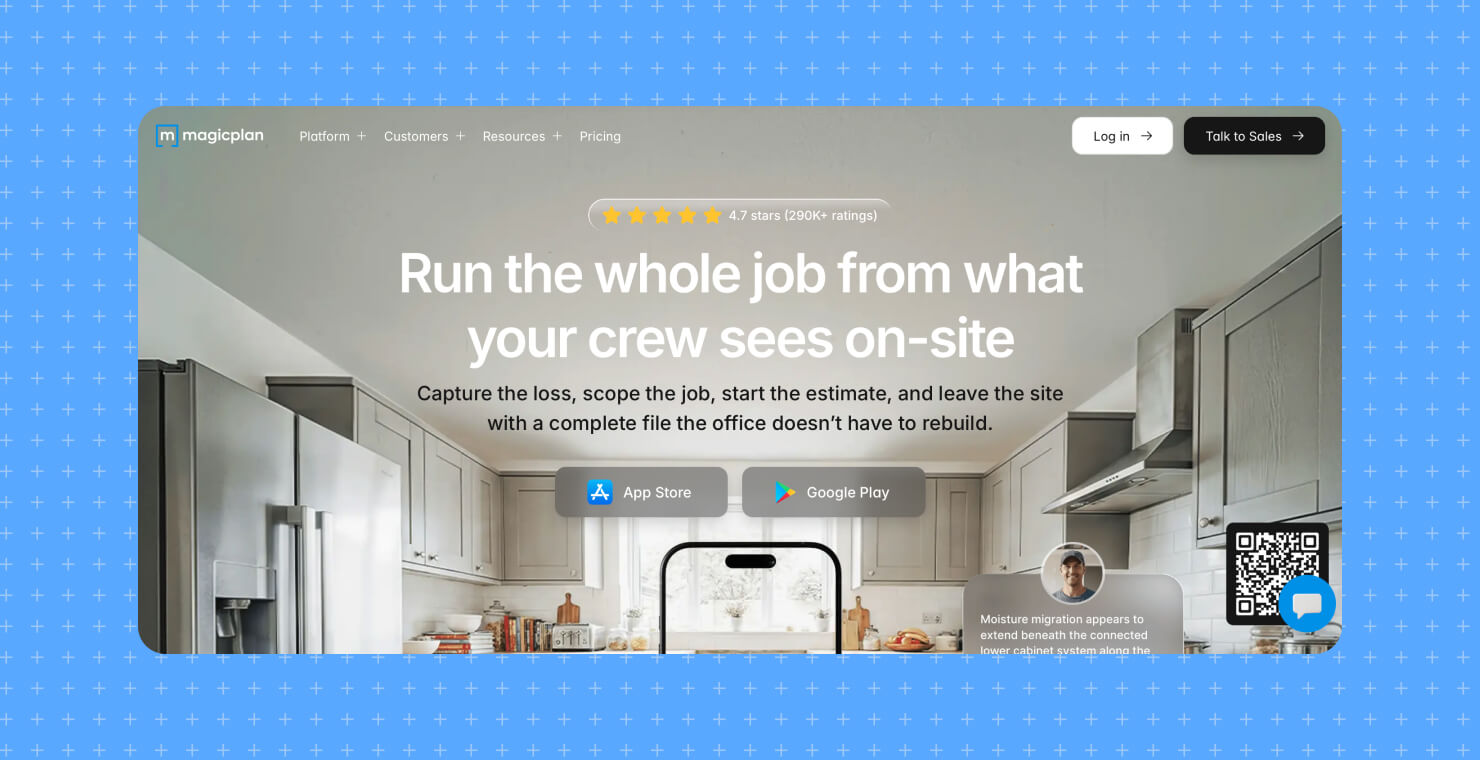
What it is: Magicplan is a field-documentation utility for real estate agents, restoration pros, and contractors who need to measure a space fast.
How it wins: Point your iPhone or iPad camera (or use LiDAR on Pro devices) at a room, and Magicplan builds a scaled 2D floor plan in real time, then generates material takeoffs and cost estimates—it even integrates with Xactimate for insurance and restoration work. For scoping a job on-site in minutes, it’s excellent.
Where Live Home 3D pulls ahead: Magicplan is built for measurement and estimation, not design. It doesn’t offer the detailed 3D interior rendering, material libraries, and furniture customization that make a space look and feel real. Many pros pair the two: scan and measure in Magicplan, then design and visualize in Live Home 3D.

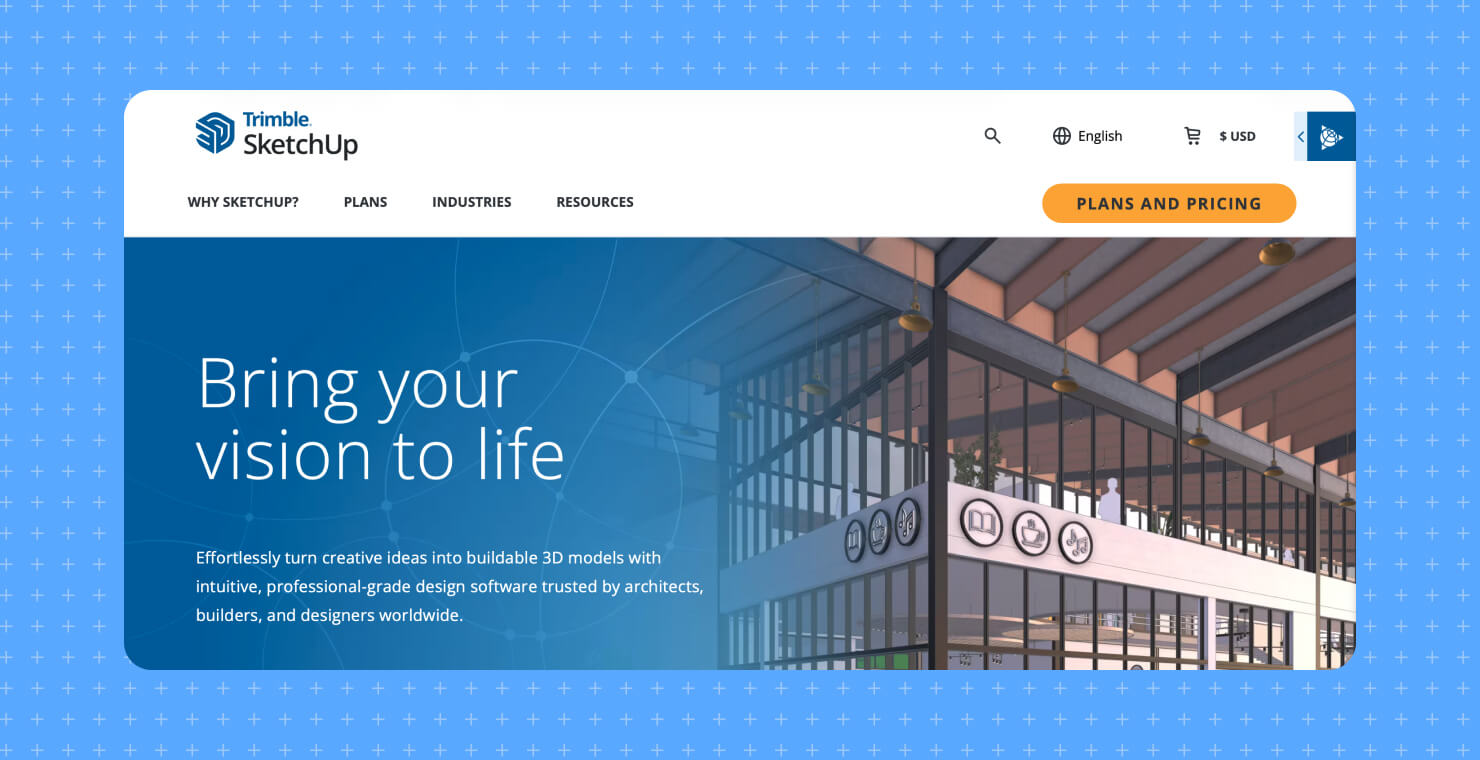
What it is: SketchUp for iPad is Trimble’s dedicated tablet version of the well-known professional 3D modeler, with Apple Pencil support and an AR viewer.
How it wins: It’s the professional’s pick for building custom geometry from scratch. If you need to model a specific, custom kitchen cabinet down to the millimeter with an Apple Pencil, SketchUp gives you that control, plus a 3D Warehouse library of millions of components.
Where Live Home 3D pulls ahead: Reviewers consistently flag SketchUp for iPad’s learning curve—moving from mouse to touch-and-stylus takes real time, and you build almost everything yourself. Live Home 3D is the faster, more intuitive route to pro-level home designs, with ready-made walls, doors, windows, furniture, and roofs, so you don’t need a CAD background to get a polished result.

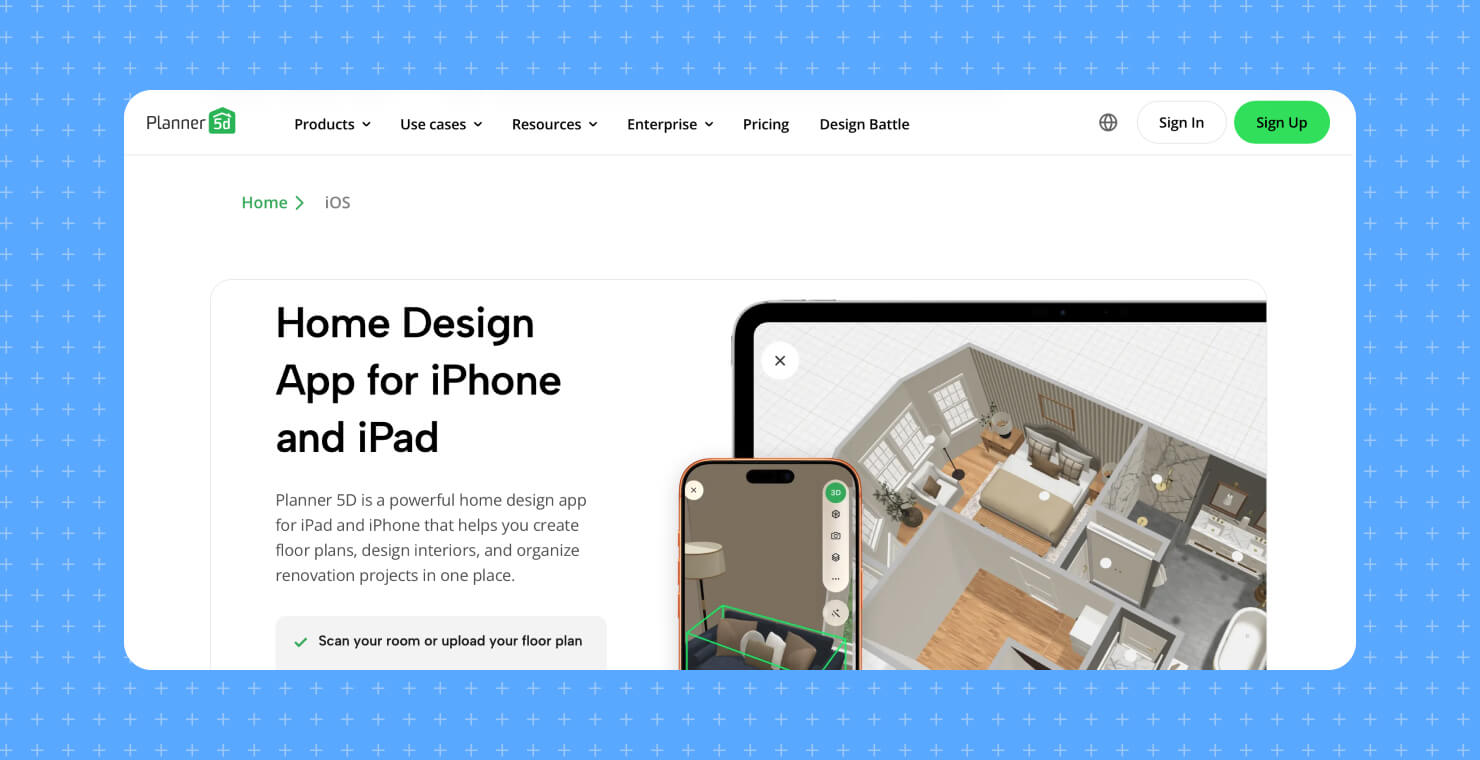
What it is: Planner 5D is a widely used, beginner-friendly home design app with a game-like drag-and-drop interface and a large catalog.
How it wins: It’s genuinely easy and fun—great for quickly throwing a room together from the couch, with a big furniture catalog, AI design suggestions, and cross-platform access across web, iOS, Android, Windows, and macOS.
Where Live Home 3D pulls ahead: Planner 5D is optimized for quick, casual layouts, and reviewers note it offers only basic roof planning with limited customization and lacks some advanced architecture tools. As your projects get more ambitious—custom roofs, detailed terrain and exterior work, and high-resolution rendering with fine control—Live Home 3D’s professional construction tools give you more room to grow without leaving the Apple ecosystem.
How to Choose the Right App for You
A quick rule of thumb:
- You want one app for interiors, exteriors, and terrain, done natively on Apple hardware: Live Home 3D.
- You mainly want fast, photorealistic renders and don’t mind working online: Homestyler.
- You need to measure rooms and produce cost estimates on-site: Magicplan.
- You need CAD-level custom modeling and don’t mind the learning curve: SketchUp for iPad.
- You’re a first-timer who wants the simplest possible start: Planner 5D.
What About Exteriors and Landscaping?
Most apps on this list focus on interiors. Live Home 3D Pro is the one built to design the whole property—the house, the yard, and the ground it sits on—all in the same project on your iPhone or iPad.
- Editable terrain. Shape the ground with Elevation Point, Line, and Spline tools to create slopes, hills, and level building pads instead of designing on a flat plane.
- Yards and hardscape. Add pathways, driveways, patios, cutouts, and pools, then fill the space with outdoor furniture, plants, fences, and lighting.
- Custom roofs. A dedicated roof tool builds roofs of almost any shape and pitch (Pro), so exteriors look finished rather than boxy.
- Real-context AR. Walk the exterior in augmented reality or export it as a USDZ file to preview how the finished build sits on the actual site.
By comparison, Homestyler and Planner 5D are interior-first, with limited exterior and roof options, and Magicplan is a measurement tool rather than a design one. If your project includes a garden, a deck, or a full house exterior—not just the rooms inside—Live Home 3D handles it end to end.
Planning the outside as well as the inside? Design your exterior in Live Home 3D.
Frequently Asked Questions
Which home design app uses the LiDAR scanner on iPhone Pro or iPad Pro?
Live Home 3D includes a Room Scanner that uses the LiDAR sensor to capture an existing room and import it directly into your project, so you can design around your real space. LiDAR is available on iPhone Pro models and iPad Pro.
Can I design a room in augmented reality on my iPad?
Yes. Live Home 3D lets you project your 3D design into your real surroundings and walk around inside or outside it, and you can export the model as a USDZ AR file to share (with Pro features). Several other apps offer AR preview, but Live Home 3D supports full AR walkthroughs of your own design.
What is the best home design app that works offline, without internet?
Live Home 3D renders on the device using Metal, so you can design and produce high-resolution images offline. Cloud-based tools like Homestyler generally need an internet connection to render at full quality.
Do these home design apps support the Apple Pencil?
Live Home 3D and SketchUp for iPad both support the Apple Pencil for precise drawing and editing. In Live Home 3D you can use it to lay out walls and floor plans with high accuracy.
Which app is best for designing house exteriors and landscaping, not just interiors?
Live Home 3D (with Pro Features) is the strongest of this group for exteriors: it includes terrain-editing tools (elevation points, lines, and splines), pathways, pools, and a custom roof tool, alongside its interior design features. Homestyler and Planner 5D are more interior-focused, with more limited exterior and roof options.
Author: Live Home 3D team at BeLight Software